Taxi Platform Admin
Comprehensive admin panel documentation showing all management capabilities and administrative controls for the taxi platform.
Admin Panel Management
Dashboard Overview
The admin panel provides complete control over the taxi platform with real-time monitoring and management capabilities.
Main Dashboard
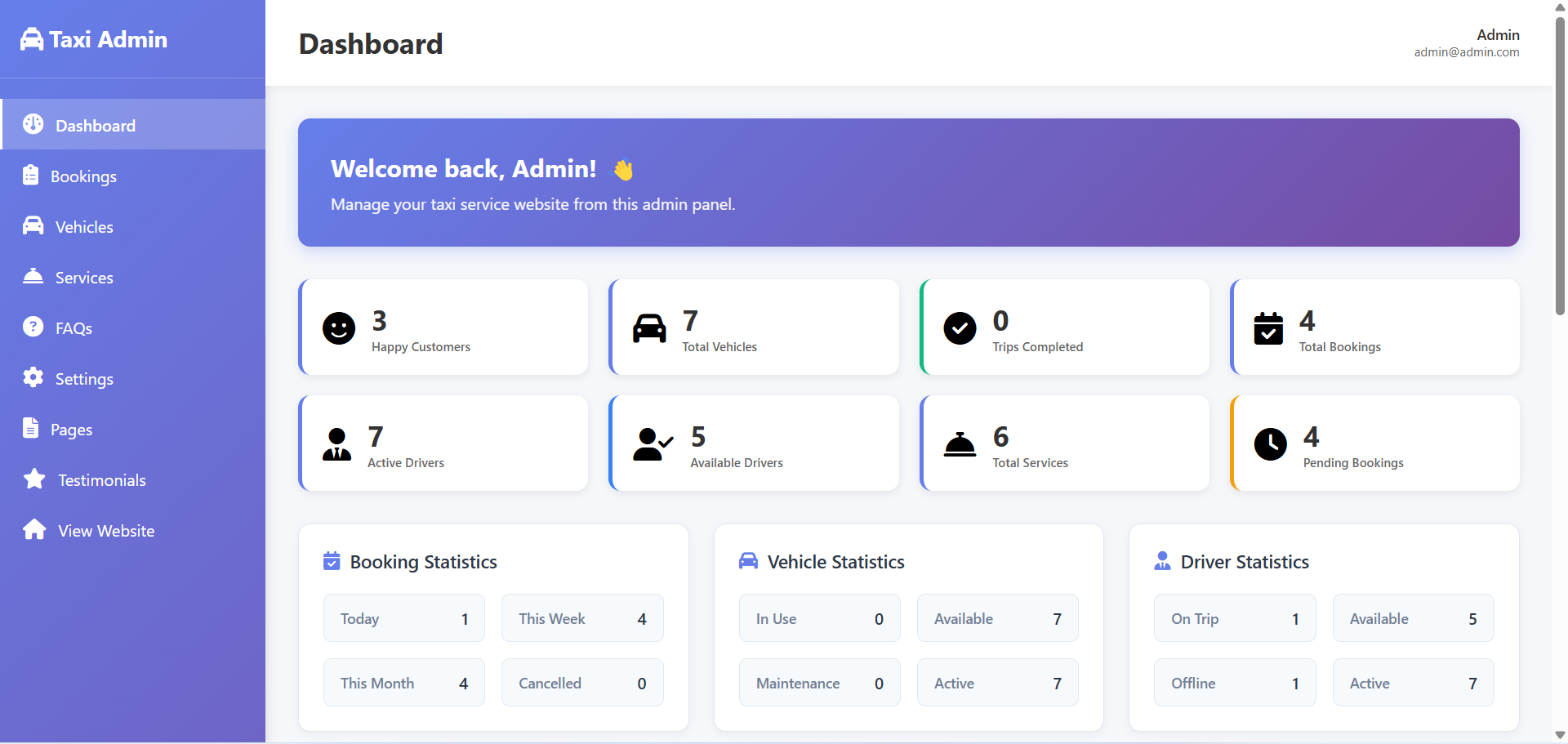
Real-time dashboard showing platform statistics, active rides, revenue metrics, and system overview.
Key Capabilities:
- Real-time booking monitoring and analytics
- Driver and vehicle management system
- Payment and commission tracking
- User support and complaint management
Admin Navigation Menu
- • Dashboard - Overview & Statistics
- • Bookings - Manage all ride bookings
- • Drivers - Driver management & verification
- • Vehicles - Vehicle registration & tracking
- • Users - Passenger management
- • Payments - Financial transactions
- • Reports - Analytics & insights
- • Settings - Platform configuration
Driver Management
Vehicle Management
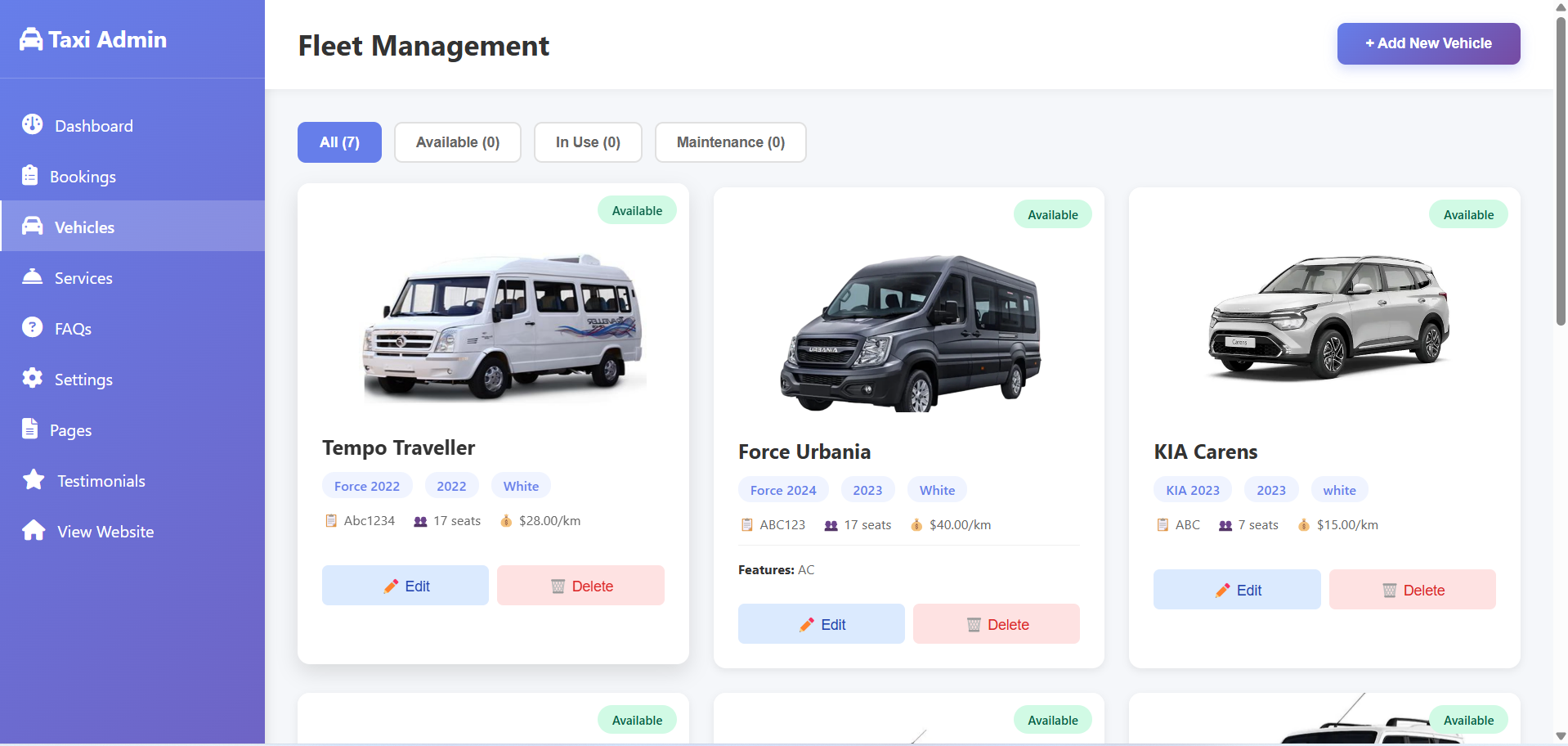
Vehicle registration, tracking, and management interface showing driver-vehicle assignments and status.
Booking Management
Bookings Management
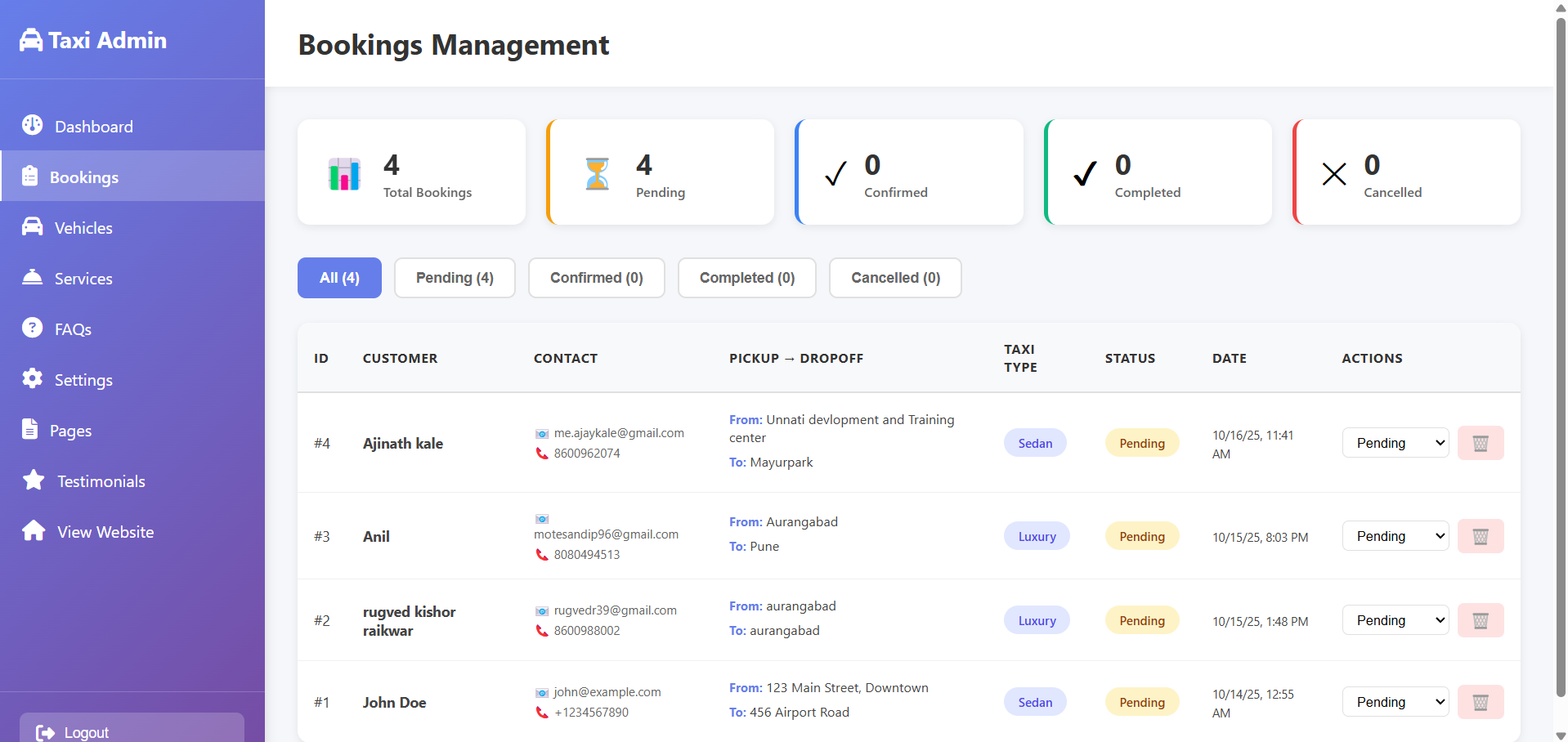
Comprehensive booking management interface showing all ride requests, status tracking, and booking details.
Additional Admin Modules
Services Management
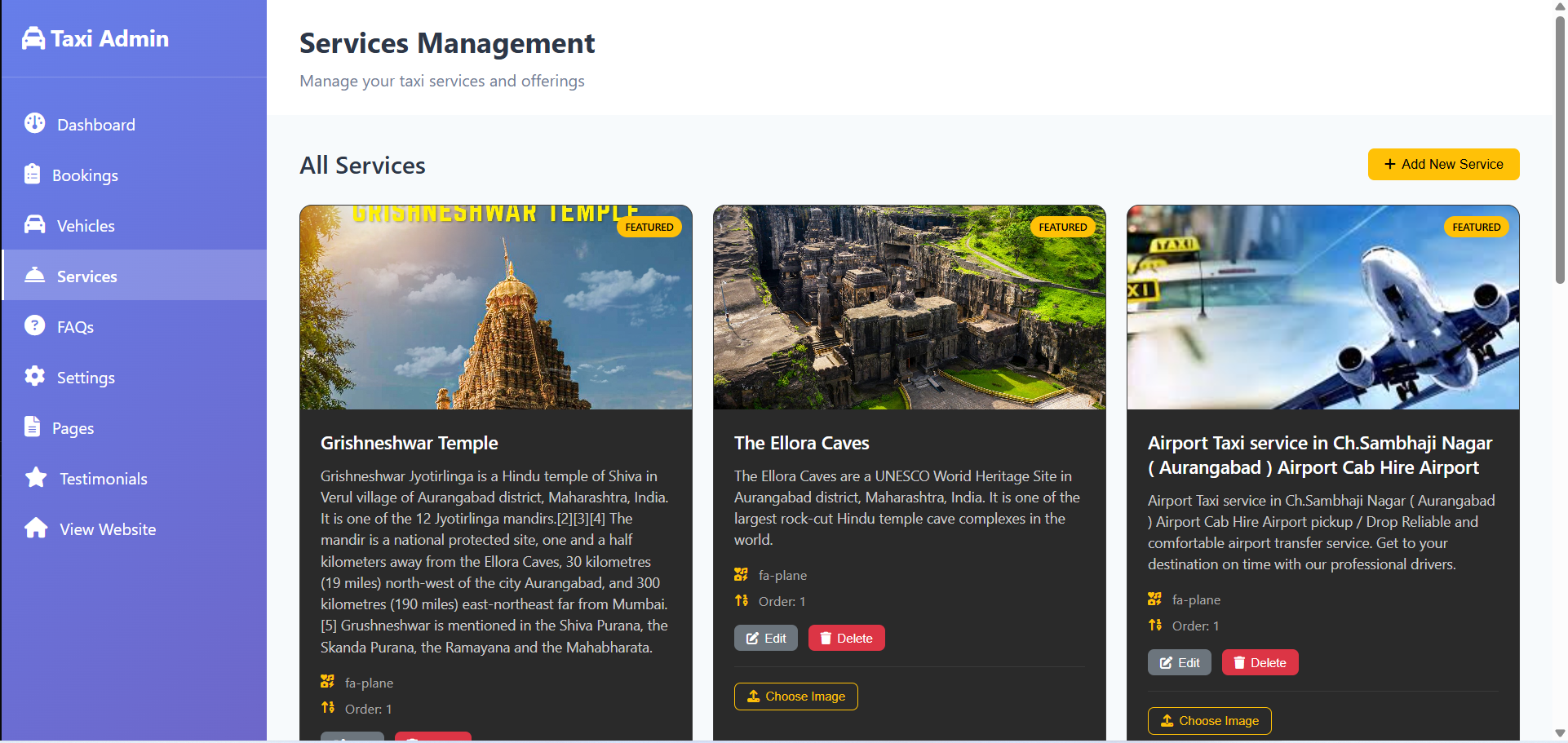
Manage different taxi services, pricing tiers, and service categories available on the platform.
Pages Management
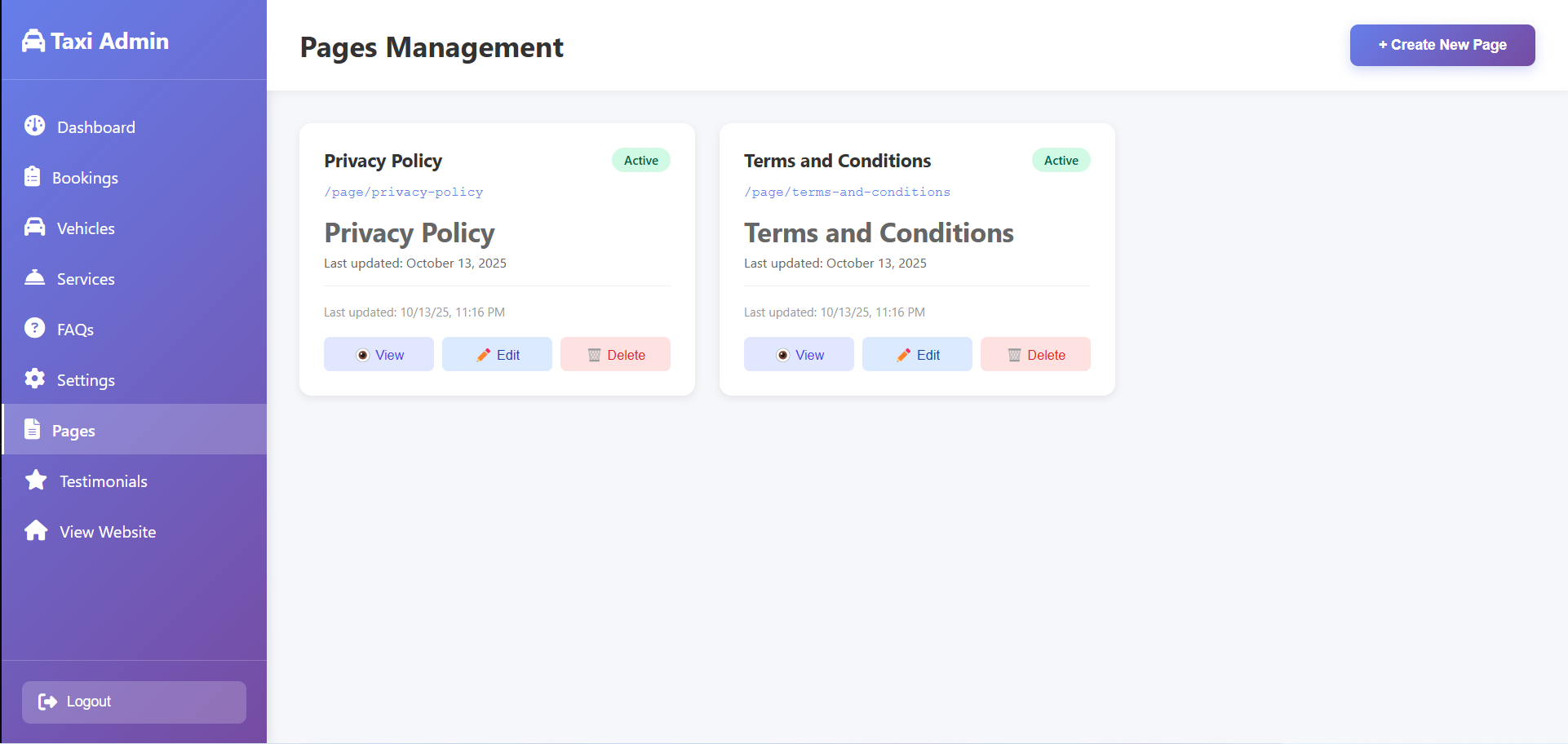
Content management for static pages, terms of service, privacy policy, and platform information.
FAQs Management
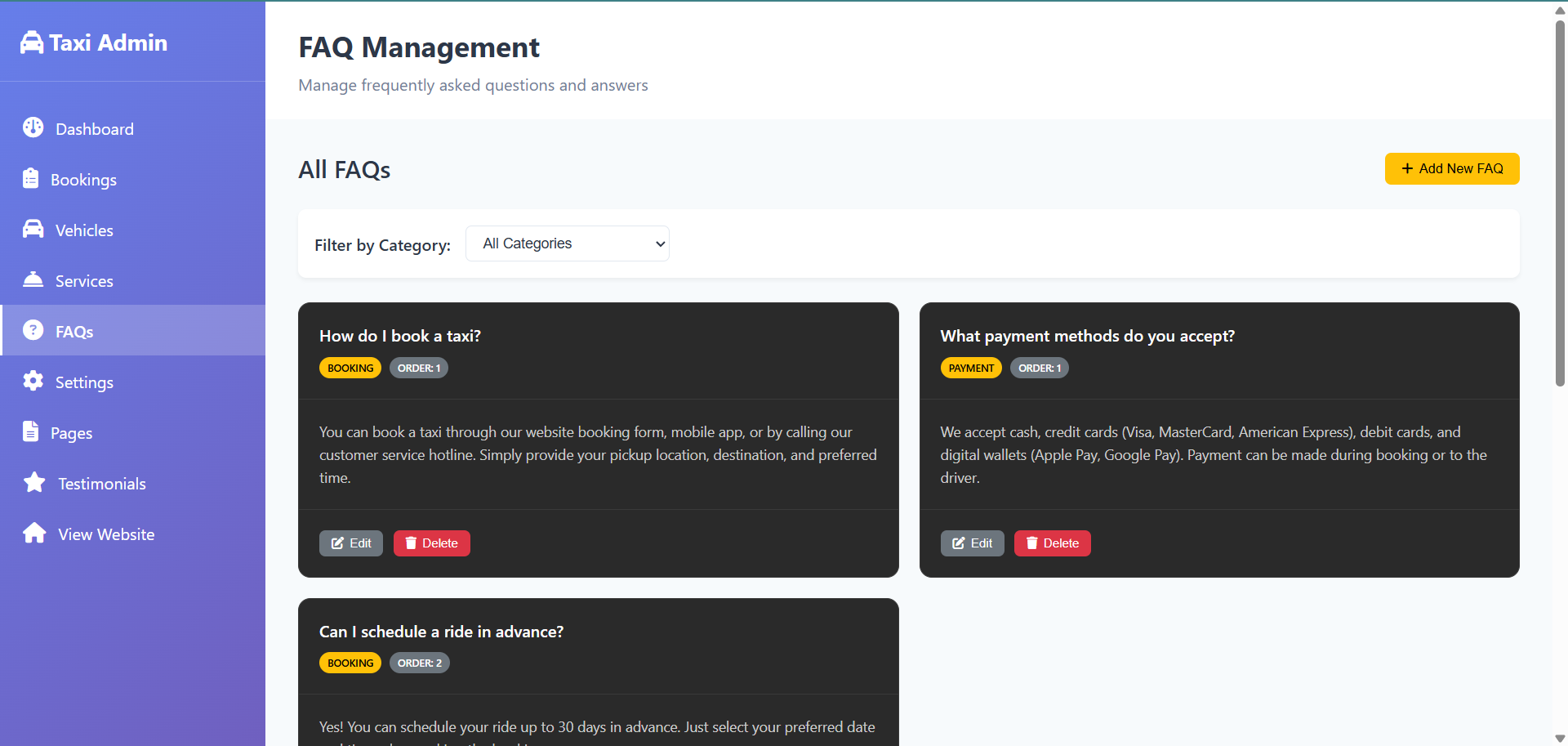
Manage frequently asked questions, help articles, and customer support content.
Testimonials Management
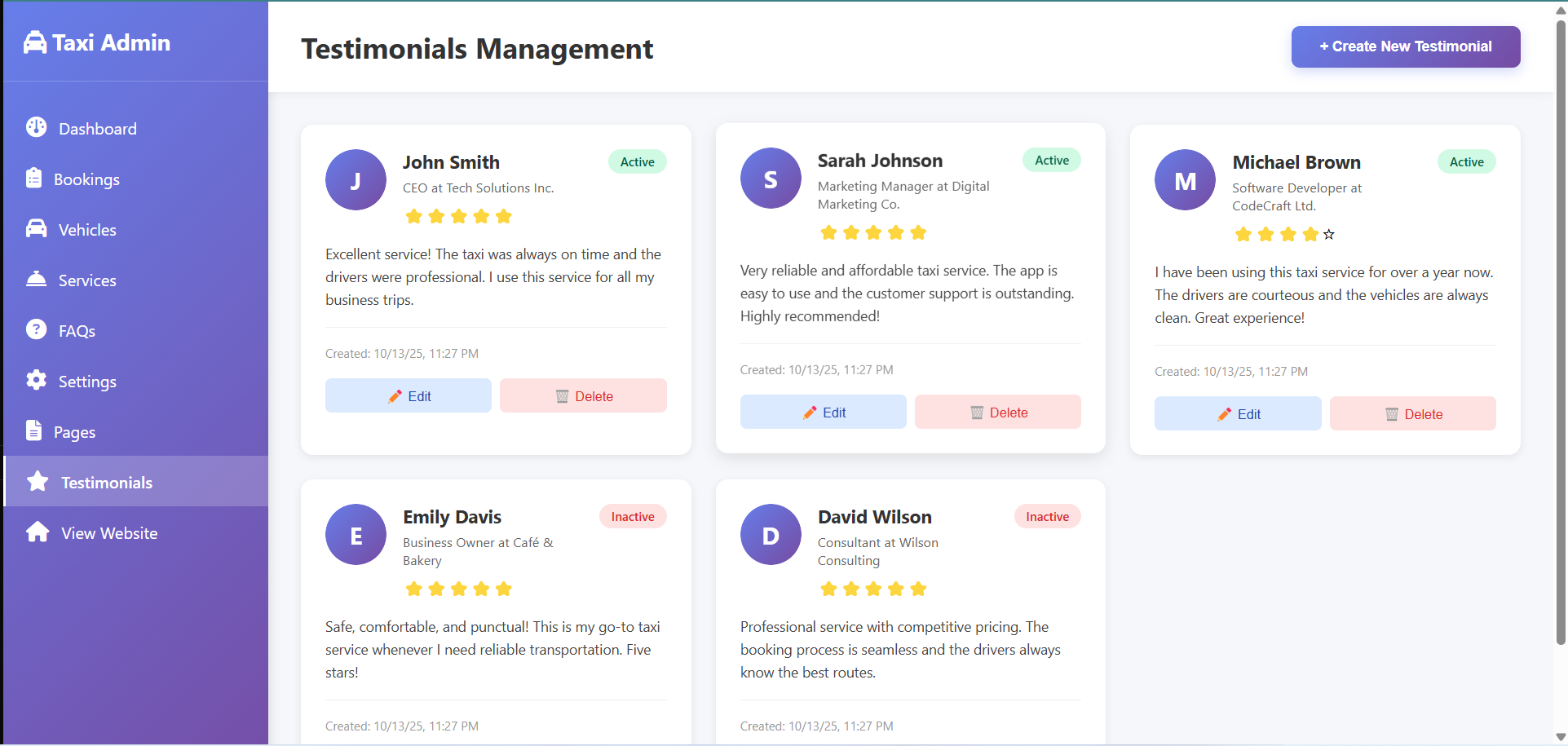
Manage customer reviews, testimonials, and feedback displayed on the platform.
Settings & Configuration
Admin Settings Panel
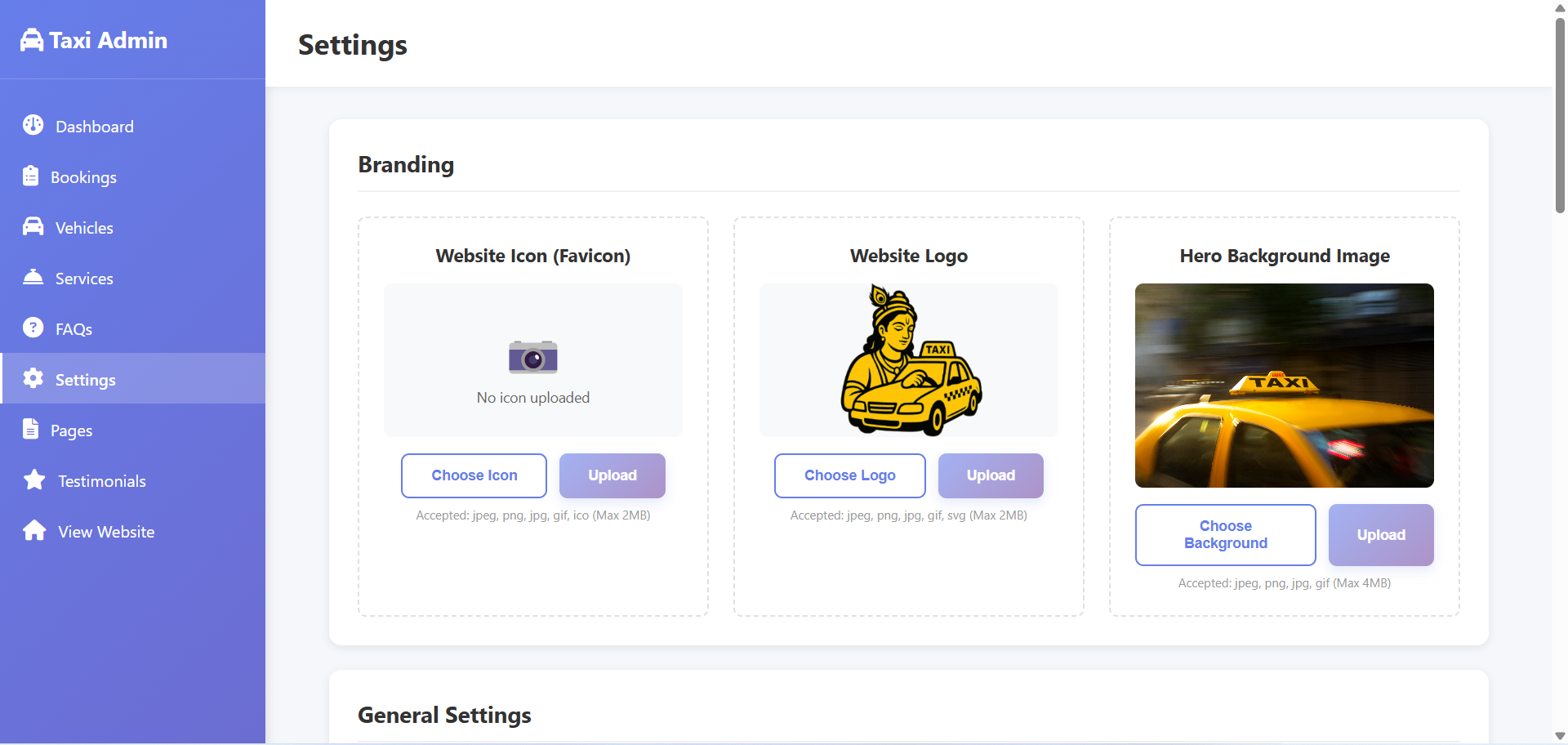
Platform configuration settings including general preferences, system parameters, and admin controls.
Configurable Settings (22 Total Settings)
Branding Settings (3)
- Website Icon (Favicon) - Upload .jpeg, .png, .jpg, .gif, .ico files up to 2MB
- Website Logo - Upload .jpeg, .png, .jpg, .gif, .svg files up to 2MB
- Hero Background Image - Upload .jpeg, .png, .jpg, .gif files up to 4MB
General Settings (2)
- Website Name - Company/business name display
- Website Description - Multi-line business description and services
Hero Section (4)
- Hero Title - Main headline text
- Hero Subtitle - Supporting description text
- Button Text - Call-to-action button label
- Button Link - URL destination for the button
SEO Settings (3)
- Meta Title - Page title for search engines
- Meta Description - Search result description
- Meta Keywords - Comma-separated keywords for SEO
Contact Information (4)
- Contact Email - Business email address
- Contact Phone - Business phone number
- WhatsApp Number - WhatsApp business number
- Address - Physical business address
Social Media Links (5)
- Facebook URL - Facebook page/profile link
- Twitter/X URL - Twitter/X profile link
- Instagram URL - Instagram profile link
- LinkedIn URL - LinkedIn company page
- YouTube URL - YouTube channel link